


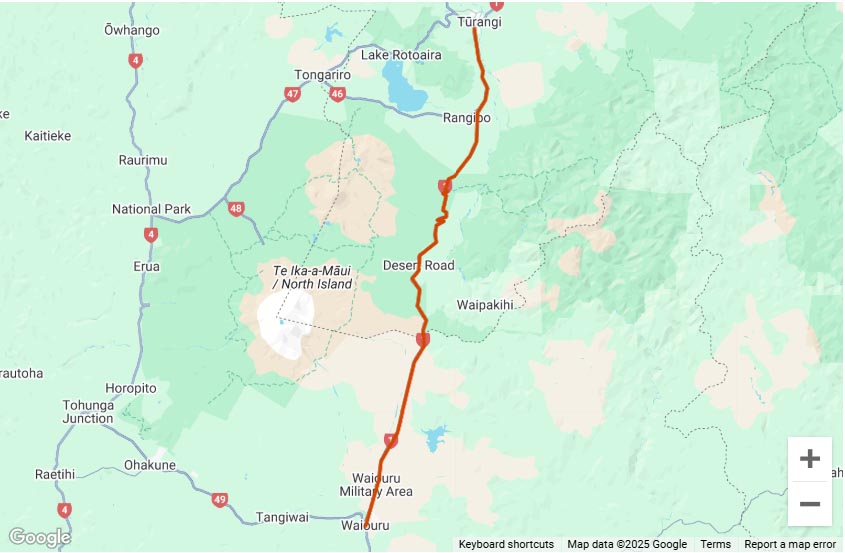
Check out the GPS tracks available for download on the site.
You can also just have a look at them and find new places to ride even if you don’t have a GPS.
I have more to come and you can share your GPS trackss by emailing the GPS track file, some pics and/or a link to a video and a short write up to adventureridingnz@gmail.com.
There’s more info on the How to share your GPS tracks page.




Hey, quick question. I should probably try a bit harder first, but…
I just tried downloading the file for the 42nd traverse. The link is to an xml file, not gpx as I expected. Is this how it should be, or is it an error?
If it is correct, are you able to post an explanation as to what to do with the xml file?
Ta
mmm, I’ll have a look, they should all be .gpx files..
The files are definately .gpx files. The direct links for the 42nd files are
50 points: https://www.adventureridingnz.co.nz/layers/42_Traverse_50.gpx
250 points: https://www.adventureridingnz.co.nz/layers/42_Traverse_250.gpx
A GPX file is an XML file structured in Garmin’s particular format.
If your browser is displaying them on the page instead of prompting you to download a file then try right clicking on the link and selecting ‘Save as’ instead of left clicking on the link.
Ok, thanks, that explains it. Yes, the browser does just show the XML code. If I right click on the link and choose ‘Save target as…’ it has a ‘.xml’ file extension in the ‘Save As’ dialog box. I’ll try just changing the extension to ‘.gpx’ and see if it works ok.